Monday, April 7, 2014

Google's Plan To Bridge Chrome, Android, And Search To Do Everything On Your Device

Occasionally, an OS update will bring around features that really change things. Android 3.0 brought the Android experience to tablets. 4.0 completely revamped the UI and added guidelines that made Android look cohesive for the first time. 4.4 added Svelte, which promised to seat Android comfortably on an even broader range of devices. We have reason to believe another one of those changes is right around the corner, and it's known internally as Hera.
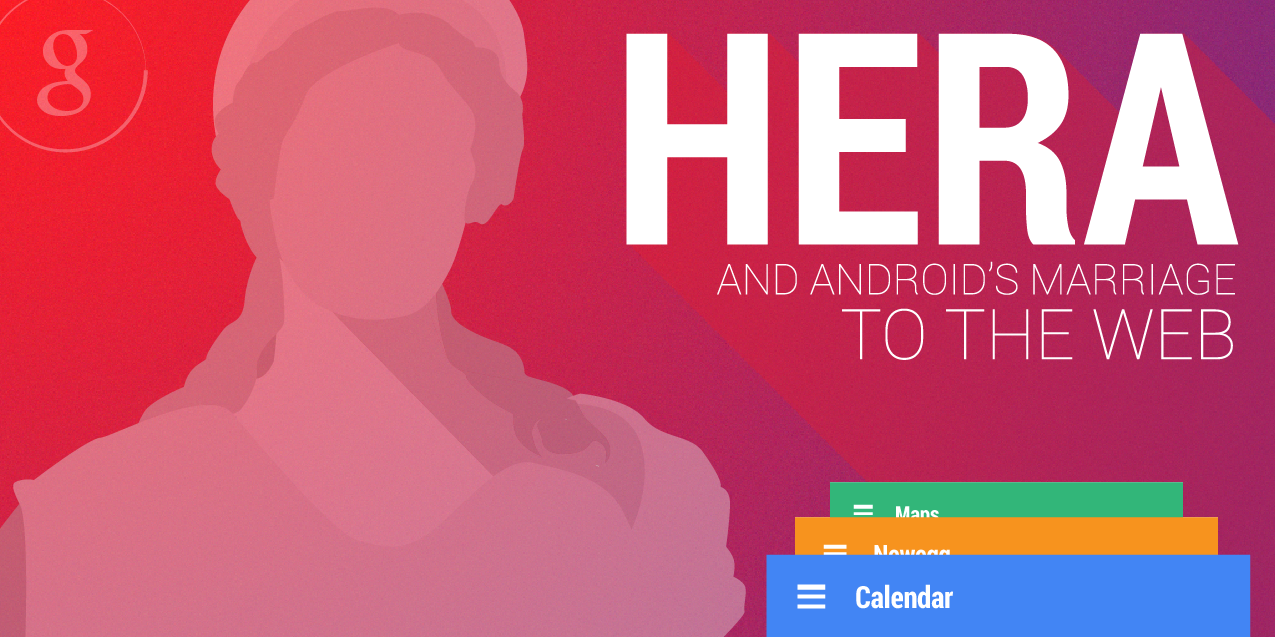
Hera
We feel confident in this rumor, but we'll take the same approach we always do - a brief breakdown of our confidence level, the rumor itself, the evidence, and any other thoughts. Since this rumor is a little more complex than past rumors, we'll combine "The Rumor," with the Evidence section, as some concepts should be seen and discussed at the same time. Remember that often, with pre-release software, we cannot show source materials, but we do our best to faithfully mock up the functionality and interface.
READ FULL ARTICLE for examples and how Google may integrate all devices, from
 Android Police 
wm_gradient

Quick Links Lab for Gmail

The Quick Links Lab for Gmail has been around for a few years, but it’s still an underused feature. If you frequently find yourself searching for the same email, then Quick Links might be the perfect Lab for you.
Quick Links lives inside your Gmail inbox, and can actually be found in the same place as Chat, directly below the label list. It’s a great place to store all of the emails, searches and settings links that you visit on a daily basis.
For example, instead of searching for ‘Exchange to Google Apps Migration’ and sifting through dozens of emails, I can create a Quick Link. We’re all looking for ways to save time in Gmail, and a Quick Link is a great tool to use.

Saturday, April 5, 2014

Google Calendar Changes Simplify Event Management

Google has updated its Google Calendar API to make it easier for business users to schedule or reschedule employee activities.

Google has just made improvements in its Google Calendar API that make it easier for enterprises to schedule employee activities more accurately through new "event IDs," which are used to help differentiate different activities.

By incorporating this change, businesses will have an easier time managing calendars for multiple employees because the changes will be directly highlighted through an event ID, rather than through an internal database that previously managed activity changes, wrote Lucia Fedorova, the tech lead of the Google Calendar API Team, in a March 19 post on the Google Developers Blog. - See more at: http://www.eweek.com/cloud/google-calendar-changes-simplify-event-management.html/#sthash.WyOUY63J.dpuf

READ MORE from eWeek - Enterprise IT Technology News, Opnion and Reviews


Thursday, April 3, 2014

4 Advanced Search Operators to Help Find Elusive Google Drive Files

A lot of the value of Google Drive comes from how quickly we can identify and access exactly what we’re looking for. While creating a folder structure can serve as a great foundation to Drive, we’ve found that many people fail to maintain these folders, making search a much more efficient option.
This video covers a view of the best search operators in Google Drive and how you can put them to good use. For example, if you frequently add stars to files in Google Drive, it almost ruins the point of having them! But pairing a keyword search with a specific search operator can help turn up those important files in no time.

No Track Internet Searching

YOUR search history contains some of the most personal information you will ever reveal online: your health, mental state, interests, travel locations, fears and shopping habits.
And that is information most people would want to keep private. Unfortunately, your web searches are carefully tracked and saved in databases, where the information can be used for almost anything, including highly targeted advertising and price discrimination based on your data profile.
“Nobody understands the long-term impact of this data collection,” said Casey Oppenheim, co-founder of Disconnect, a company that helps keep people anonymous online. “Imagine that someone has 40 years of your search history. There’s no telling what happens to that data.”
Fortunately, Google, Microsoft’s Bing and smaller companies provide ways to delete a search history or avoid leaving one, even if hiding from those ads can be more difficult.
READ MORE from nytimes.com

Monday, March 31, 2014

Gap Shrinks Between PCs and Mobiles with Google Now Release

Google has moved the PC one step closer to becoming a smartphone-like digital assistant with the addition of the personalised data card service Google Now to Chrome browsers. Google Now was previously only available as part of the Android and iOS Google Search Apps.
Google Now was a “predictive search” engine that remembers calendar appointments, weather updates for the home and work area via GPS, customised sports scores and transport previews to and from work and home addresses.
Google Now could also answer natural-language spoken questions such as “Where is the nearest pub?” and a map and directions to nearby pubs appeared, much like Apple’s Siri.
Features to be rolled out over the next few weeks included the option to configure Gmail, Google Drive and Hangouts alerts.
Google Now Cards

Thursday, March 27, 2014

Tips For Searching Google Docs

Once you get into Google Drive you will in all likelihood end up with many, many documents and folders in your drive. Luckily, Google provides plenty of tools in Drive to help you find what you need.

READ FULL ARTICLE from Drive Bunny

There is a familiar-looking search bar at the top of the Drive homepage, from which you can perform a keyword search. Remember that when you perform a search in Google Drive you are searching the whole document, not just the filename. It will even use OCR technology to try to interpret the contents of things like images and PDF files.
To the right of the search bar is a down-pointing triangle. Click on it to bring up many more options for filtering your search by file type, visibility or ownership:

Click image to enlarge